Step 2: RAM Setup
The Responsibility Assignment Matrix (RAM) is for setting up responsibility groups in a cost volume. Responsibility groups define the organizations or teams responsible for each responsible for each cost volume section. Once a responsibility group is assigned to a section, the group's users can be assigned to workflow steps.
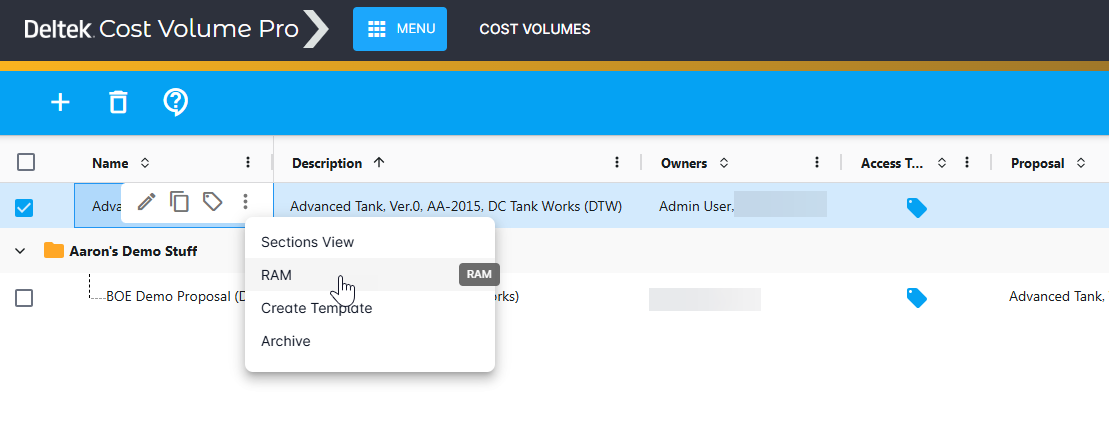
To open the RAM, select the proposal you created and click More Actions > RAM.
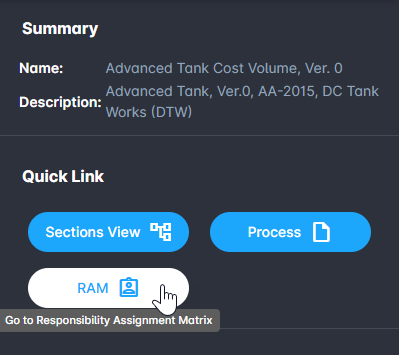
Alternatively, you can select a cost volume, and then click the RAM quick link.
Workflow step assignments
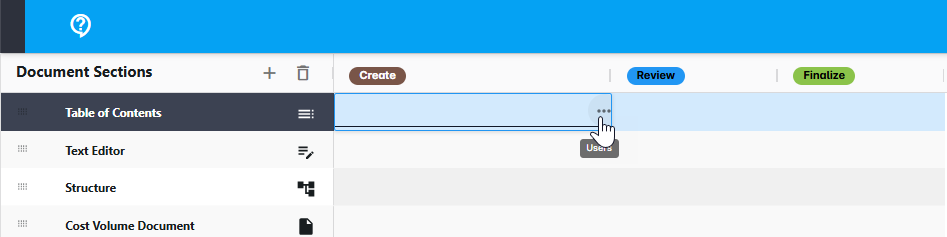
To assign responsibility group users to a workflow step, double-click the appropriate cell and click Users.